Programming & English Education · Visual Learning Tools

Snap the blocks. Build the future.
Programming & English — simpler than ever.

KuaiJiZi turns abstract programming and grammar concepts into blocks you can drag, snap and see. KuaiJiZi C++ Tutor turns blocks into real C++ code; Kuaijizi 3D English Blocks lays sentence structure out in a 3D grammar coordinate system you can actually see.

2
Visual learning tools (Programming / English)
80+
Graded sample sentences (3D English · beginner → advanced)
8
Interface languages (both tools)
2
Platforms (3D English: Windows / Android)
Products

The KuaiJiZi Series — Two Visual Learning Tools

Both available from the Microsoft Store — download and start learning.

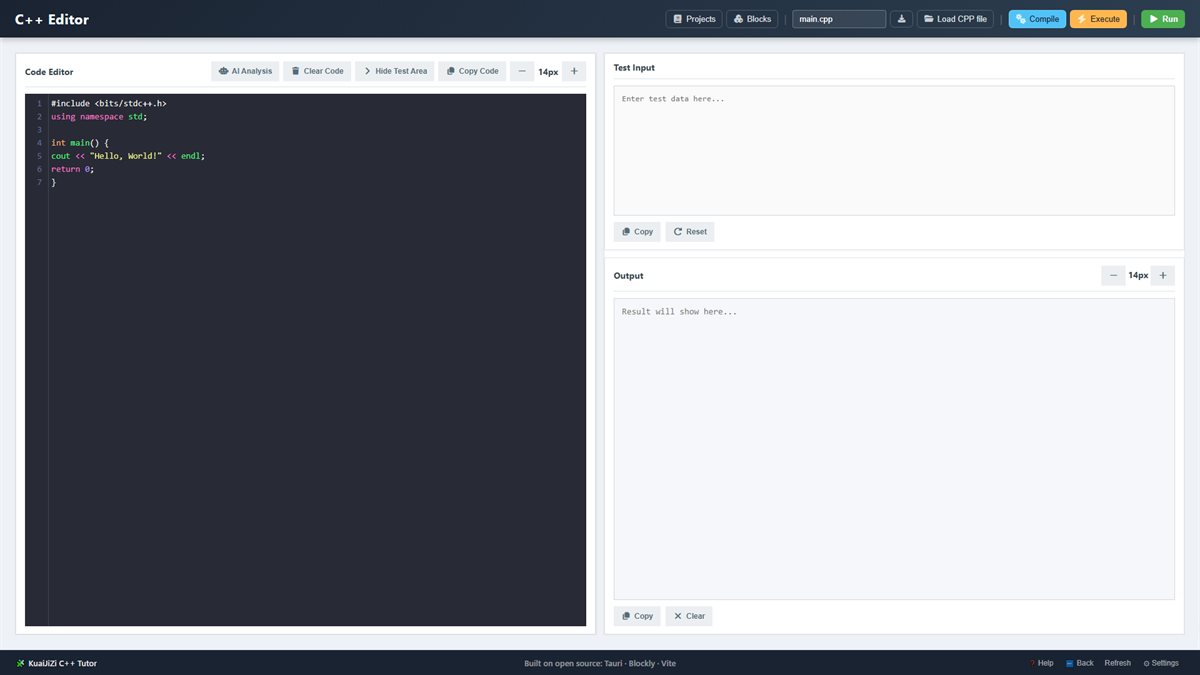
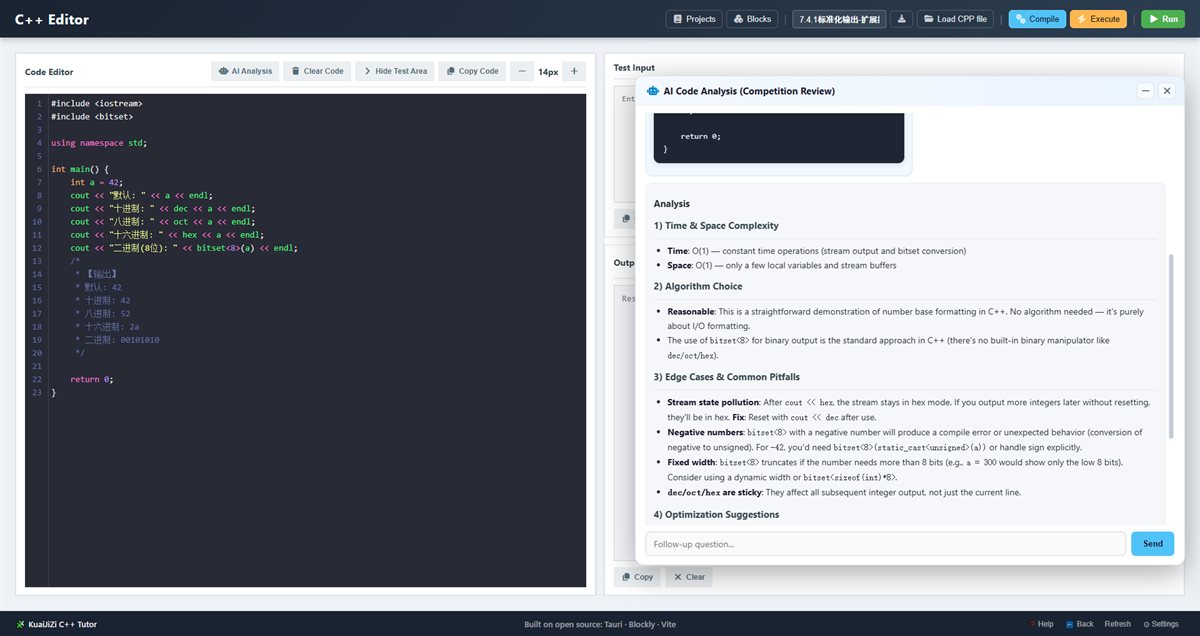
KuaiJiZi C++ Tutor

Snap blocks together — real C++ code, generated instantly
Beginner-friendly / zero syntax barrier Algorithms & data structures Windows (Microsoft Store) Progressive step-by-step cases
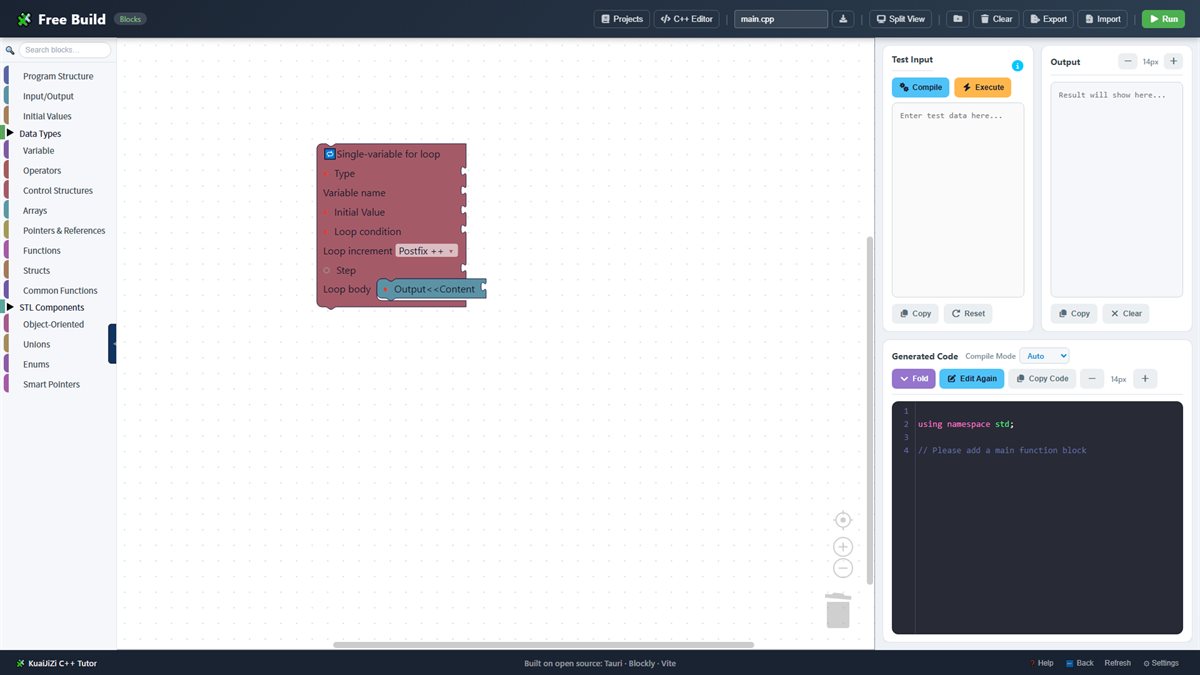
Free building with blocks
Real-time C++ code editor
AI-assisted code analysis
Free building · Blockly
Snap blocks and real C++ code is generated instantly — zero learning curve
A visual interface makes programming logic clear at a glance
A progressive path from basic syntax to complex algorithms
AI-assisted code analysis — your own on-call tutor
A searchable block toolbox to find the piece you need
Live code preview — theory and practice together
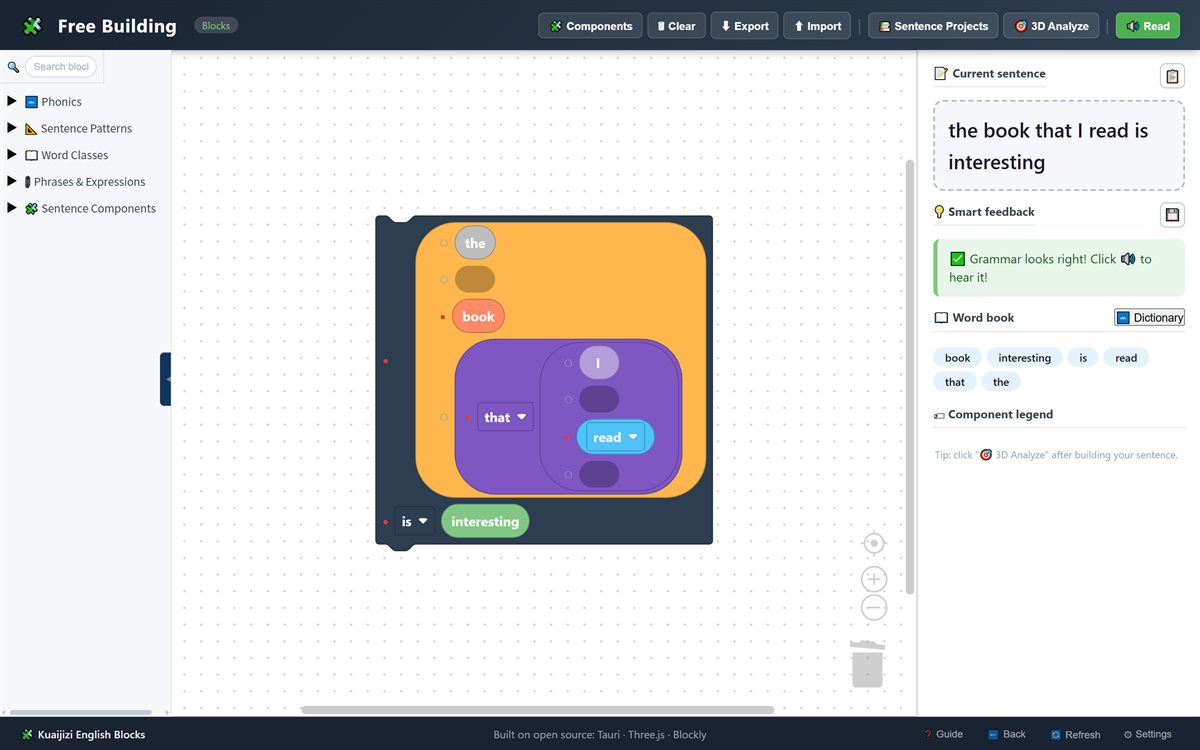
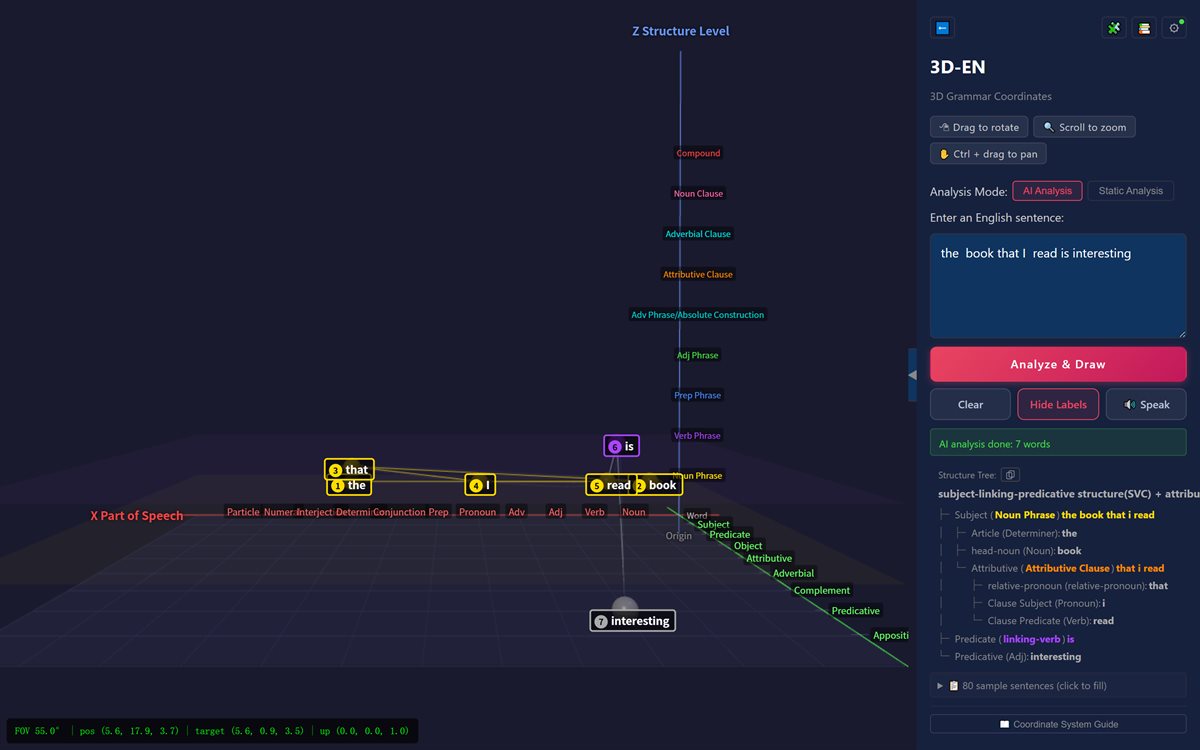
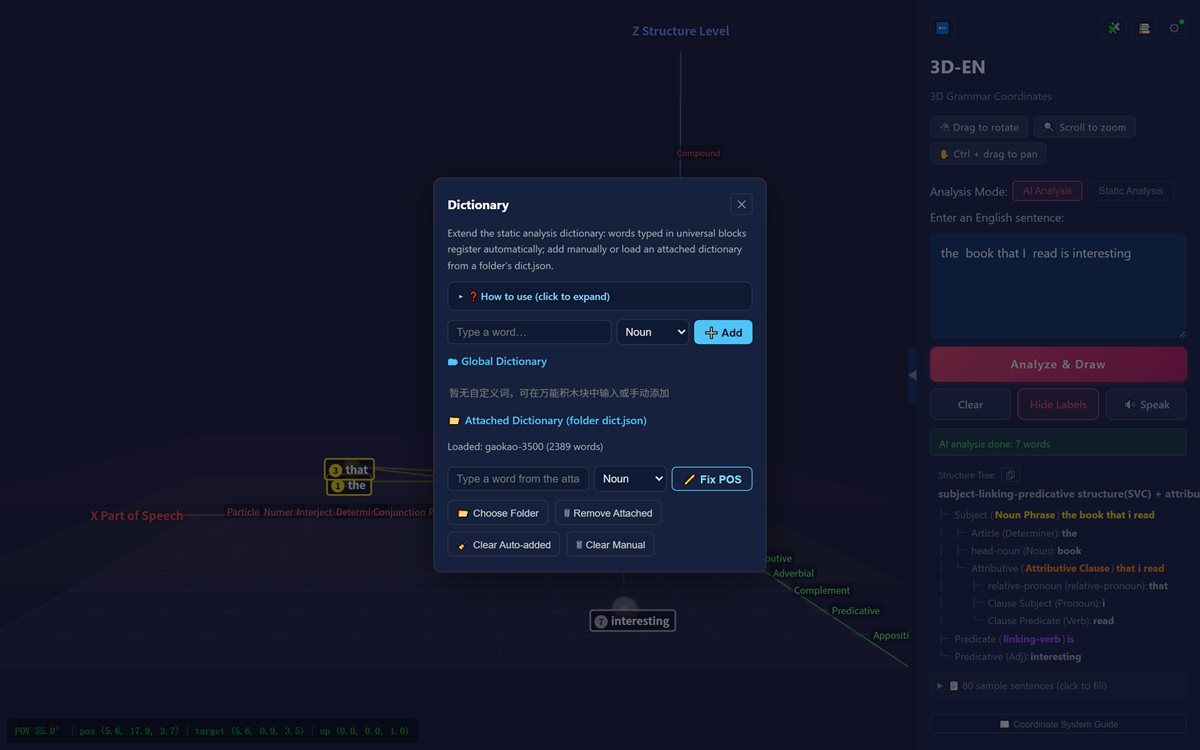
Kuaijizi 3D English Blocks

Block-built sentences + 3D grammar coordinates + AI analysis

English grammar from zero to advanced AI analysis (DeepSeek & more) US / UK audio · 8 UI languages Windows / Android
Free building of English sentences
3D grammar coordinate analysis
Word cards
Vocabulary manager
Free building · Block editor
Build English sentences with blocks — fun and visual from day one
3D grammar coordinates: X word class / Y sentence role / Z phrase & clause
AI analysis (bring your own API key — DeepSeek & more)
Word cards: word roots, derivatives, collocations, synonyms
80 graded sample sentences (beginner → advanced) + vocabulary manager
US / UK pronunciation and 8 interface languages
Teaching & Learning

How Students Learn, How Teachers Teach

Visual blocks lower the learning curve — clearer for students, easier for teachers.

Student · Programming

Snap blocks to build programs and watch real C++ code appear. Learn at your own pace, from variables to algorithms and projects.

Teacher · Programming

Demonstrate concepts and algorithms visually, follow student projects and progress, and spend less time preparing lessons.

Student · English

Build English sentences with blocks and see subject, verb and object light up in 3D. Word cards appear as you learn.

Teacher · English

80 graded sample sentences cover the key patterns; saved projects are easy to manage, and AI helps explain complex grammar.

Who It Is For

Designed for Different Learners

Two tools, built for different learners of programming and English.

Programming beginners

KuaiJiZi C++ Tutor: no syntax barrier — snap blocks to start building programs right away

Algorithm learners

KuaiJiZi C++ Tutor: see algorithms and data structures visually, then move to real C++ practice

English starters

Kuaijizi 3D English Blocks: block-built sentences and phonics — playful and intuitive

English learners going further

Kuaijizi 3D English Blocks: 80 graded sentences + 3D grammar coordinates — from memorising rules to seeing structure

Teachers

Both tools: classroom demos and progress tracking, with graded examples and project templates for lesson prep

Schools & learning centers

Both tools: in-class demos and practice at home, with customisable word lists and teaching content

Get the KuaiJiZi Series on Microsoft Store

Official download · automatic updates · support whenever you need it

Knowledge Base

Tutorials & setup guides

How-to guides for both tools: features, setup steps and troubleshooting, updated regularly.

How do blocks become real C++ code?

How blocks map to C++ syntax, and the three stages from dragging to typing.

How to read the 3D grammar coordinates

Eight component roles, six sentence skeletons, and the offline vs. AI split.

Where to paste your API key

The exact screens, recommended models, and what works without AI.

Open the knowledge base